01 / DASHBOARD
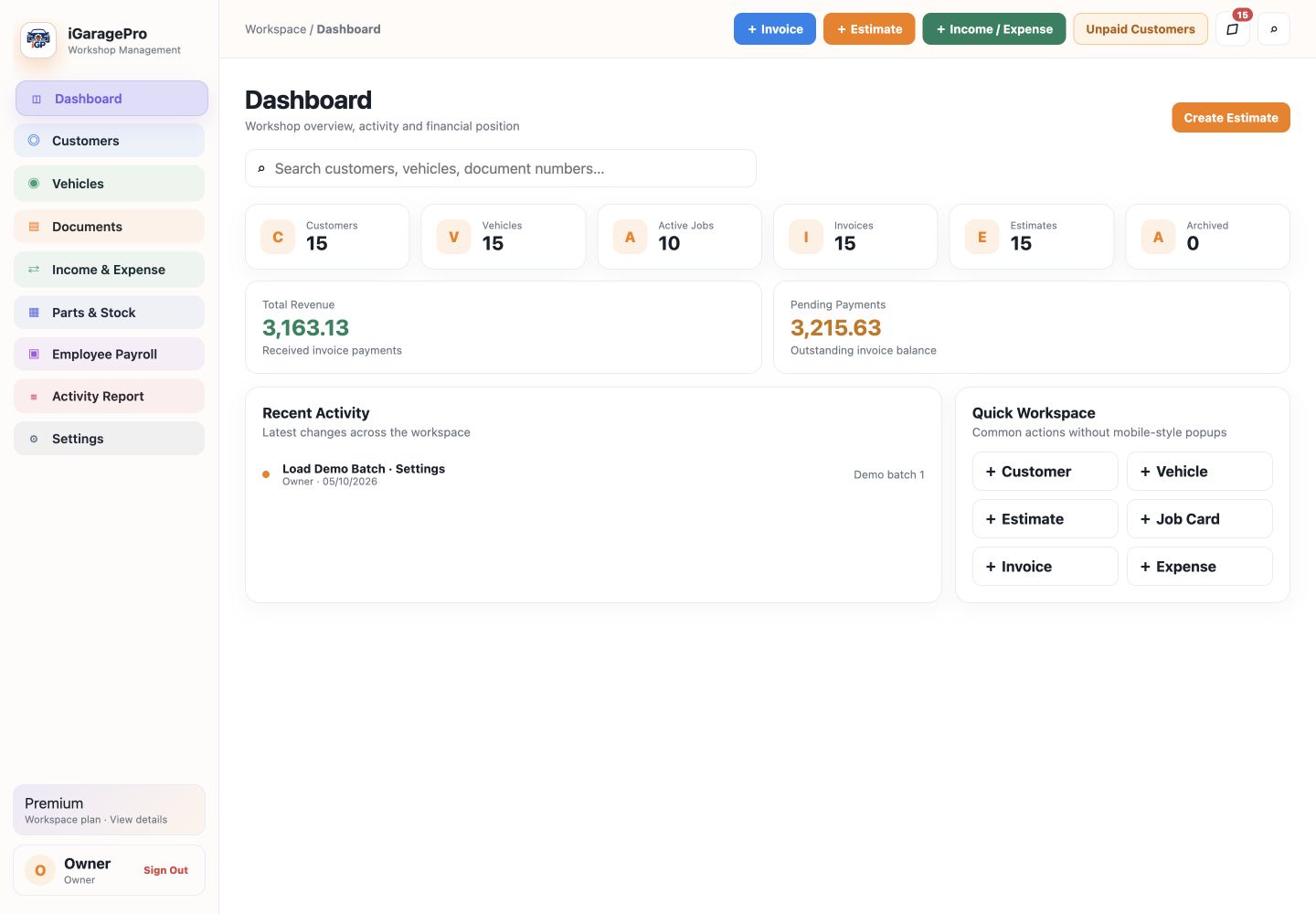
Your day. In focus.
See customers, active jobs, invoices and outstanding payments together. Start the next task from your dashboard.
Illustrative screenshot · Demo data● ● ● iGaragePro
From the first customer visit to the final invoice. Bring your vehicles, workshop jobs and business records into one place.
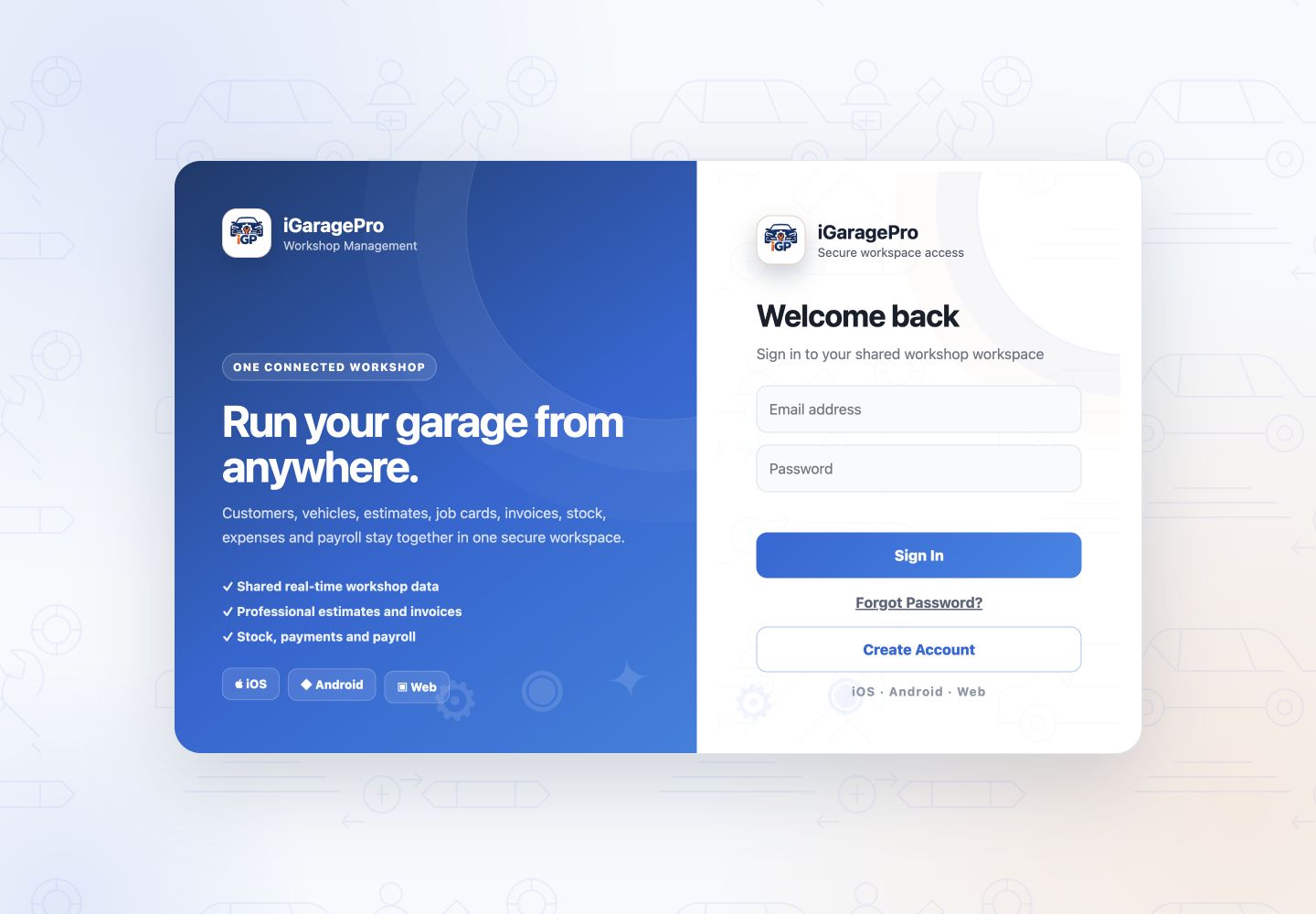
Open your company workspace on a PC or laptop. Use the same sign-in to reach your workshop records.
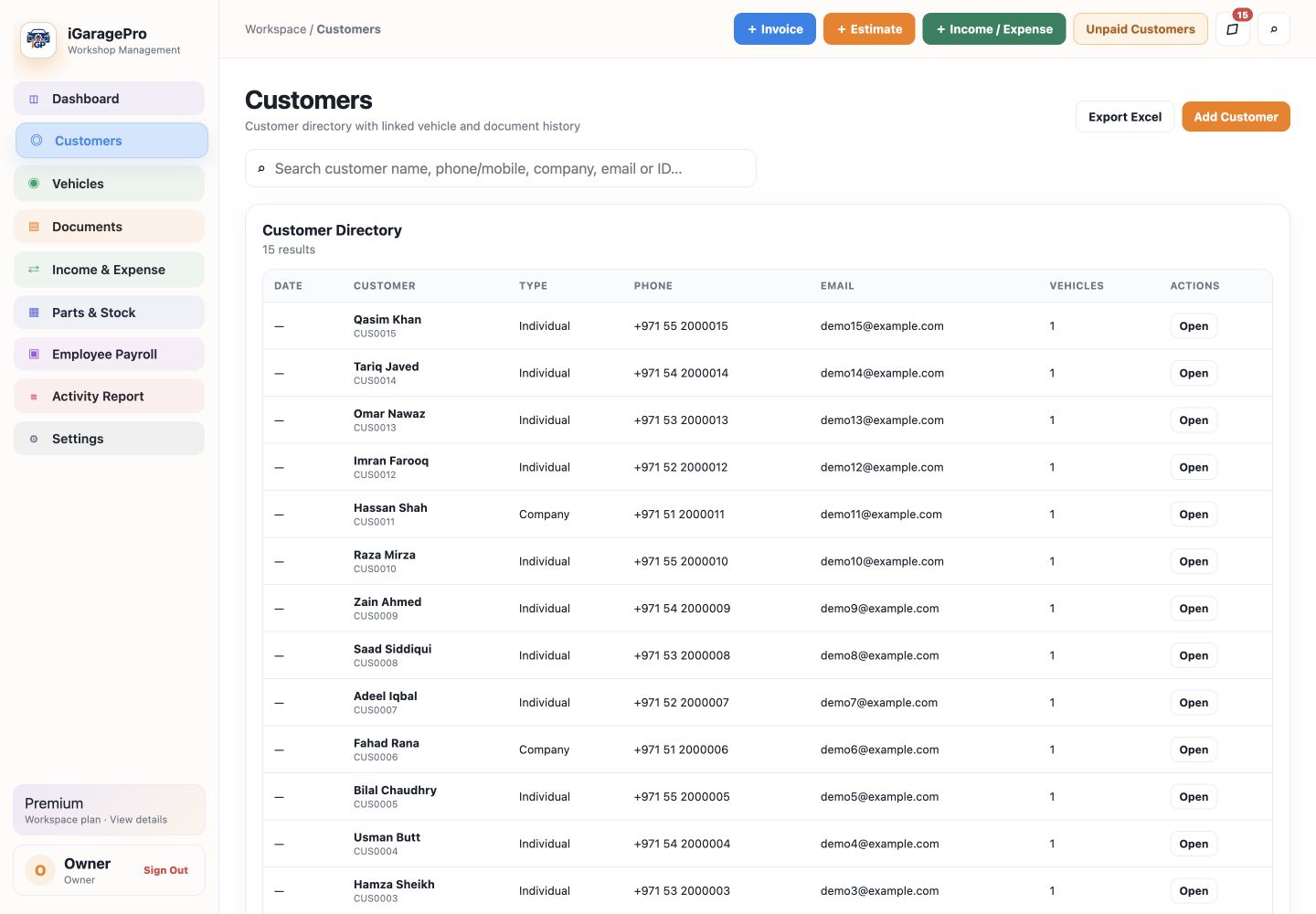
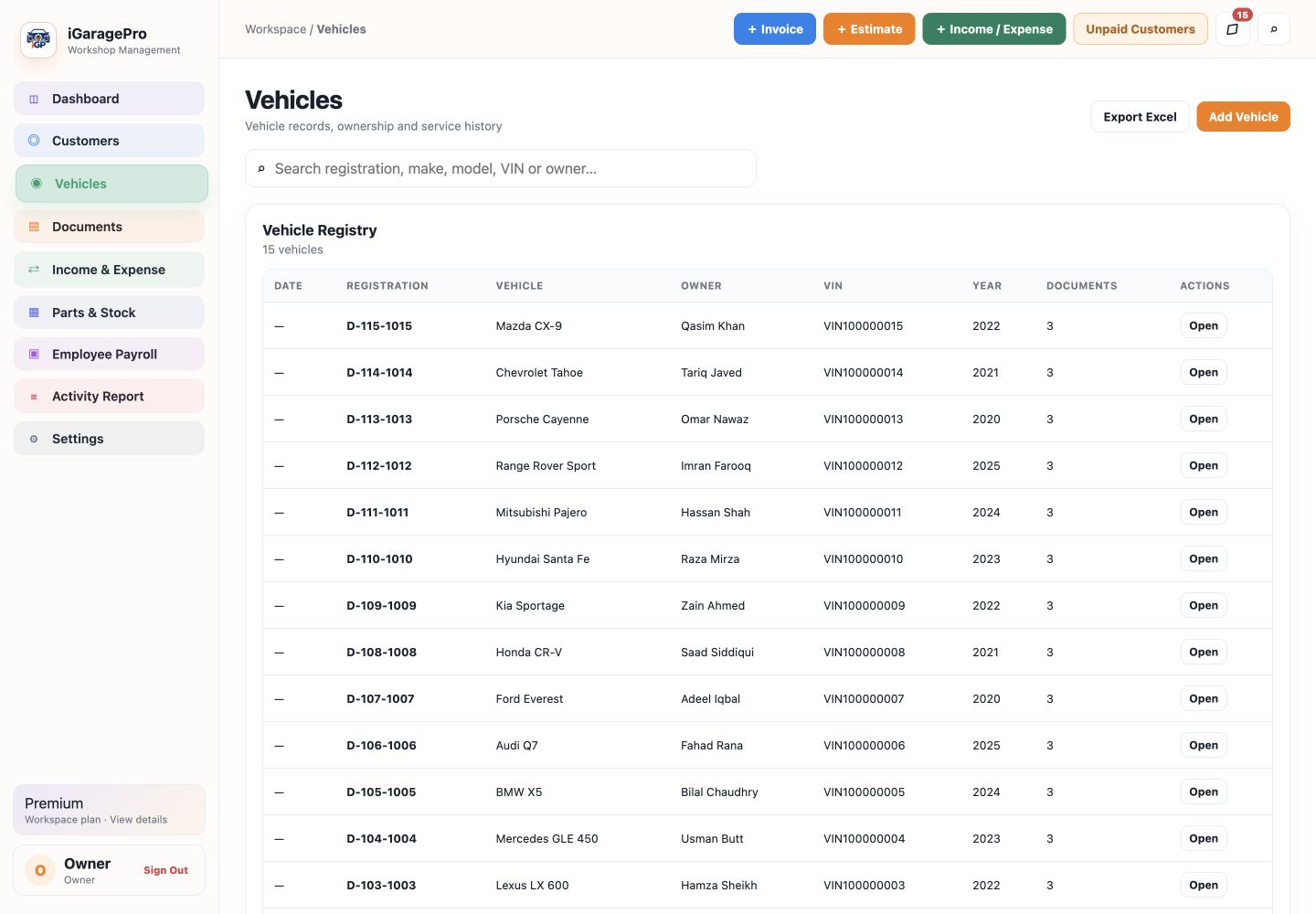
Customer and company details, vehicle records, ownership links and statements—organized for the next visit.
Prepare estimates, manage job cards and issue invoices. Keep payments and customer advances connected to the work.
Manage parts and suppliers, track income and expenses, and keep employee payroll, bonuses and deductions together.
Choose your app theme, organize module settings and manage team access. A responsive web workspace fits desktop, iPad and mobile screens.
iOS and Android apps also support viewing saved records offline. Creating or changing records requires an internet connection.
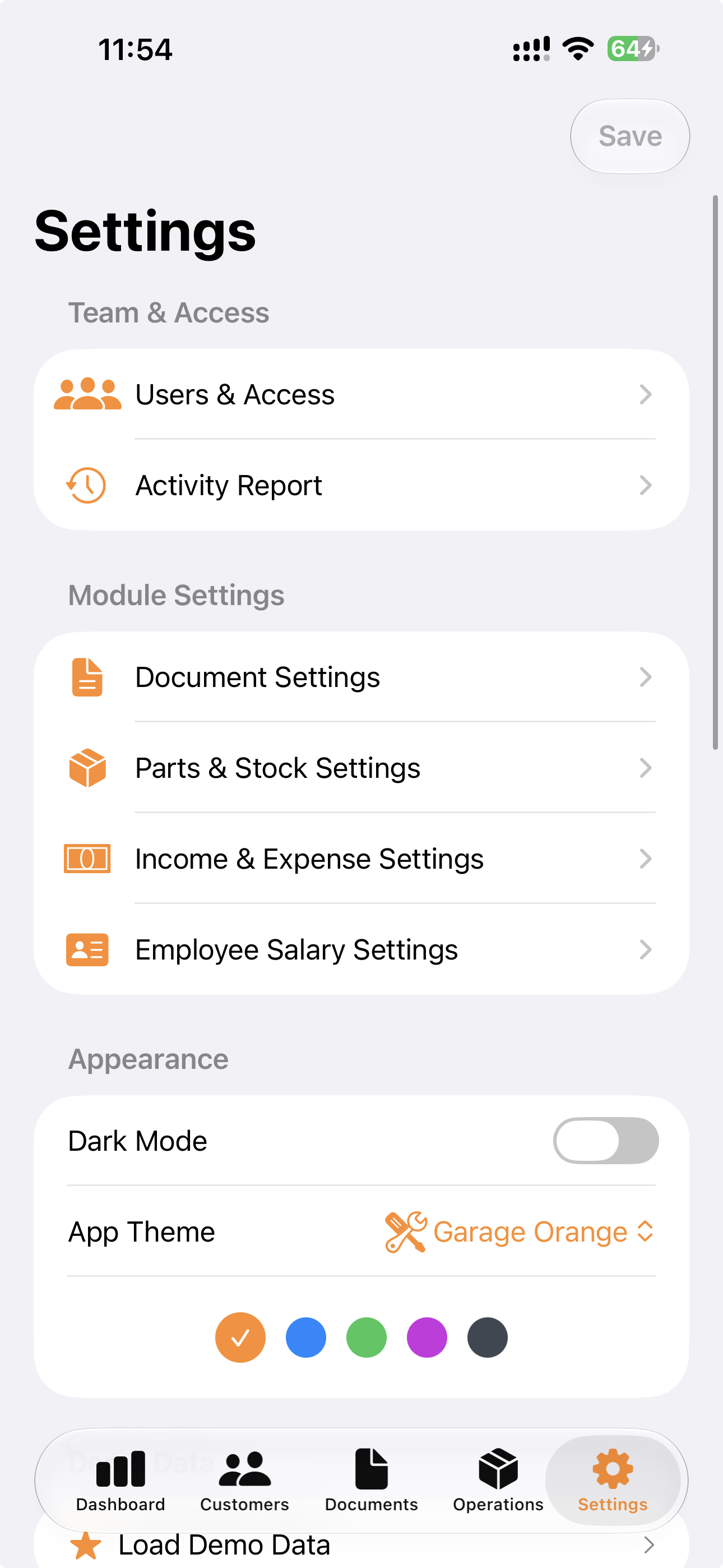
iGaragePro on iOS · Settings
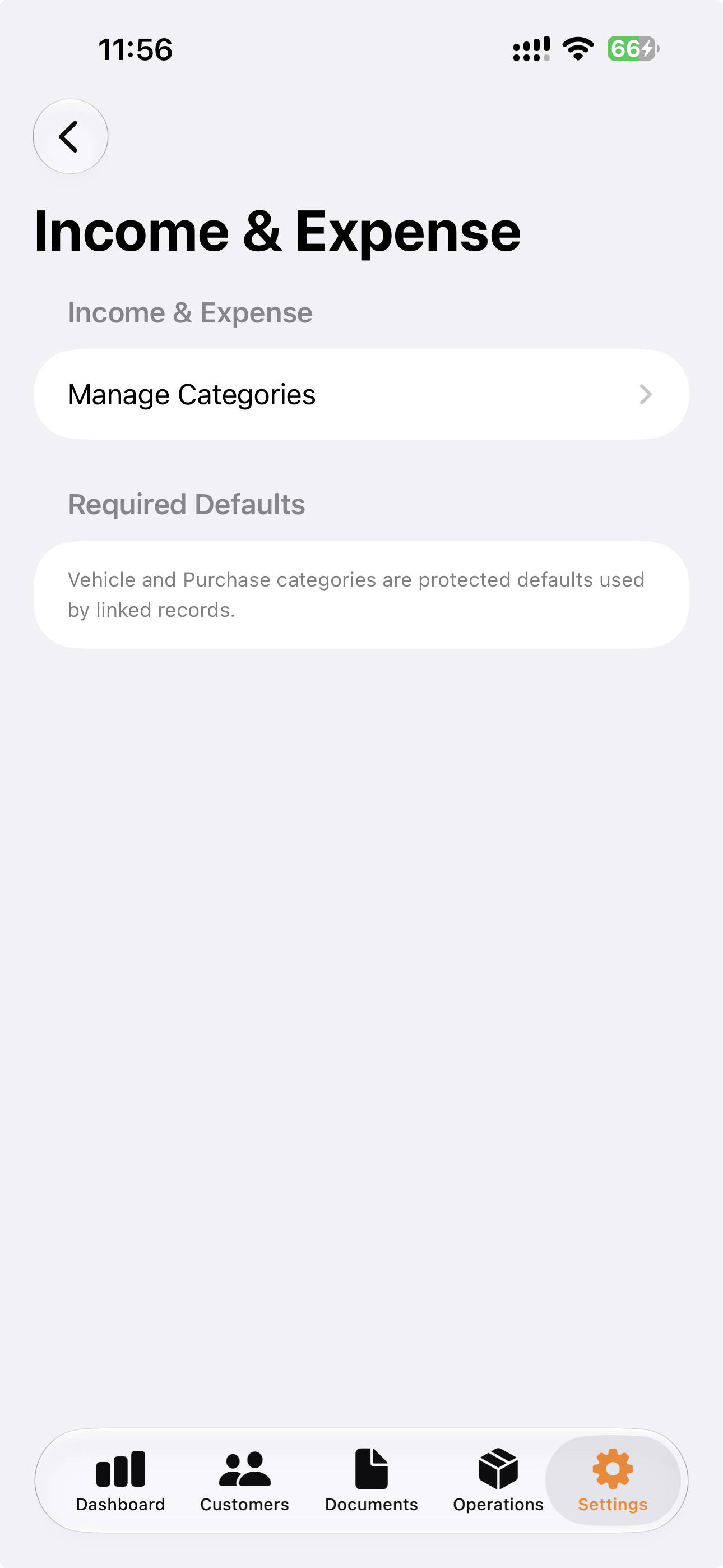
iGaragePro on iOS · Income & Expense settings
Keep income and expense categories organized, alongside the documents, parts and people that keep your workshop moving.
Company membership, owner approvals and staff permissions help organize who can view and manage records.
Export customer and vehicle reports, statements and monthly payroll details for all employees.
Download a JSON backup of supported business records. Account passwords and user permissions are not included.
Create your company account, review company details in Settings and share the Company Owner ID with your staff. Approve members and assign their access.
Create a customer, then link their vehicles. Search existing records when they return. Web import templates help bring customer and vehicle lists into the app.
Create an estimate for the selected vehicle, enter service details and share the customer approval link. Move approved work into your job-card workflow.
Create the final invoice, record payments and apply available customer advances. Check the customer statement for the account history.
Maintain parts, suppliers and stock movements. Record income and expenses, and process employee salaries with bonuses and advance deductions.
Download statements and Excel-compatible reports. Payroll exports can include one salary month or all months, across your employees. Keep a business JSON backup.
Simply provide us your business data, and our team will enter and manage it in iGaragePro for you.

Yes. Link multiple vehicles to the same customer and open the customer vehicle list when you need to choose one.
Yes. Staff register with the company owner ID. The owner reviews their request and manages their permissions in Users & Access.
The mobile apps can show saved records when offline access is available. Internet is required for sign-in verification and for creating, editing, deleting or posting payments. The web workspace requires an internet connection.
In Payroll, choose Export, then Salary Excel Report. Select a month or All Months to export salary records, bonuses, deductions, advance amounts and payment status together.
Use the Login button at the top of this page. It opens the existing iGaragePro sign-in screen on this same website.
Sign in to your company workspace or create an account.
Login / Create AccountFind the customer and vehicle, or add a new record.
Prepare the work and share it for customer approval.
Follow the job card and keep service details together.
Issue the invoice and record payment against the right customer.